Give it an
audience.
Publish what you made with your assistant to its own link.
Beside this heading: someone asks their assistant to publish the page they just made, and a moment later it is live at its own address. Five published pages take turns, each with the sentence that published it. The pages are real and live at the links shown.
Made for someone. Published in a sentence. Whatever you can describe: explainers, decks, invitations, maps, data explorers, prototypes, stories.
-
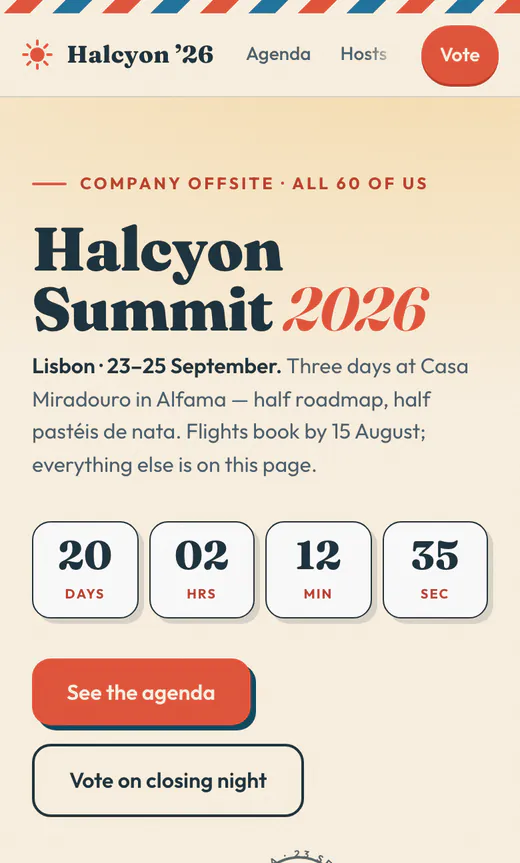 Halcyon Summit 2026 For a chief of staff running the closing-night vote (opens in a new tab)
 -
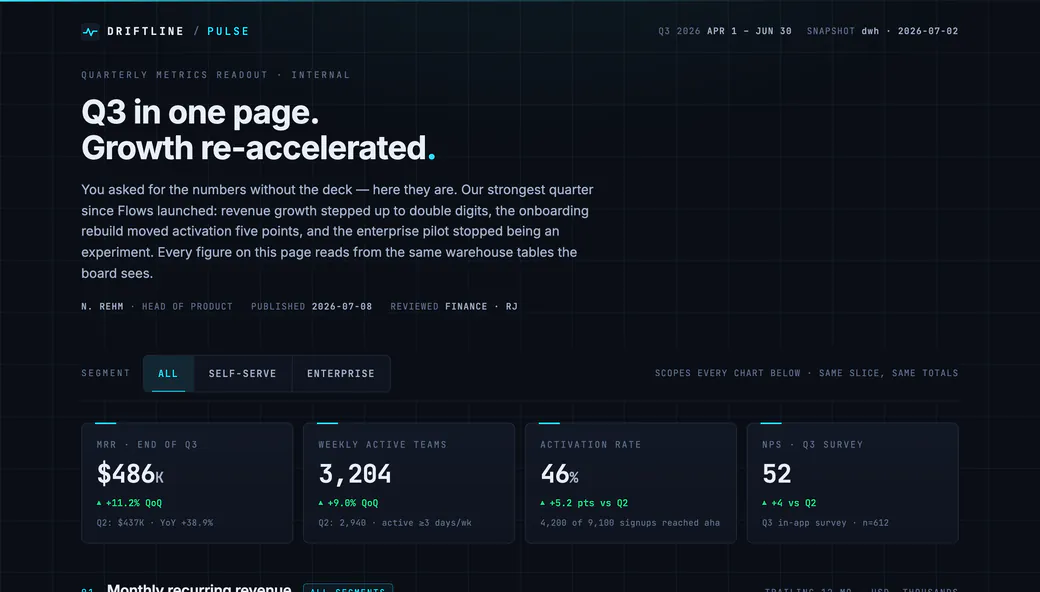
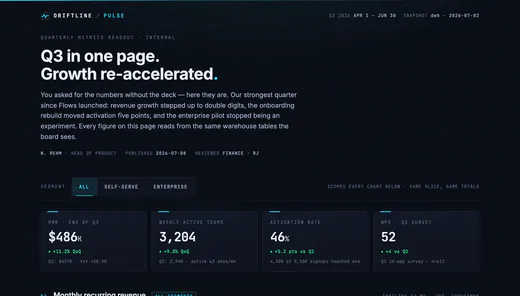 Pulse · Q3 metrics For a head of product who owed the board numbers (opens in a new tab)
 -
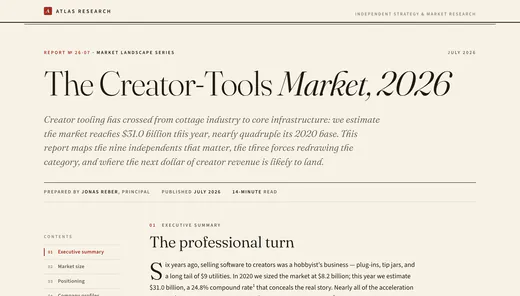 The Creator-Tools Market, 2026 For an analyst publishing a fourteen-minute market read (opens in a new tab)
 -
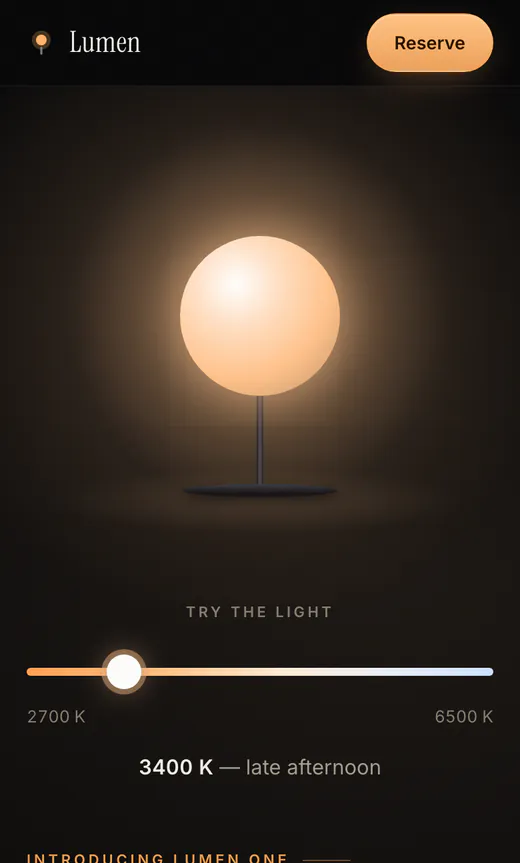 Lumen One For a founder announcing a lamp before it ships (opens in a new tab)
 -
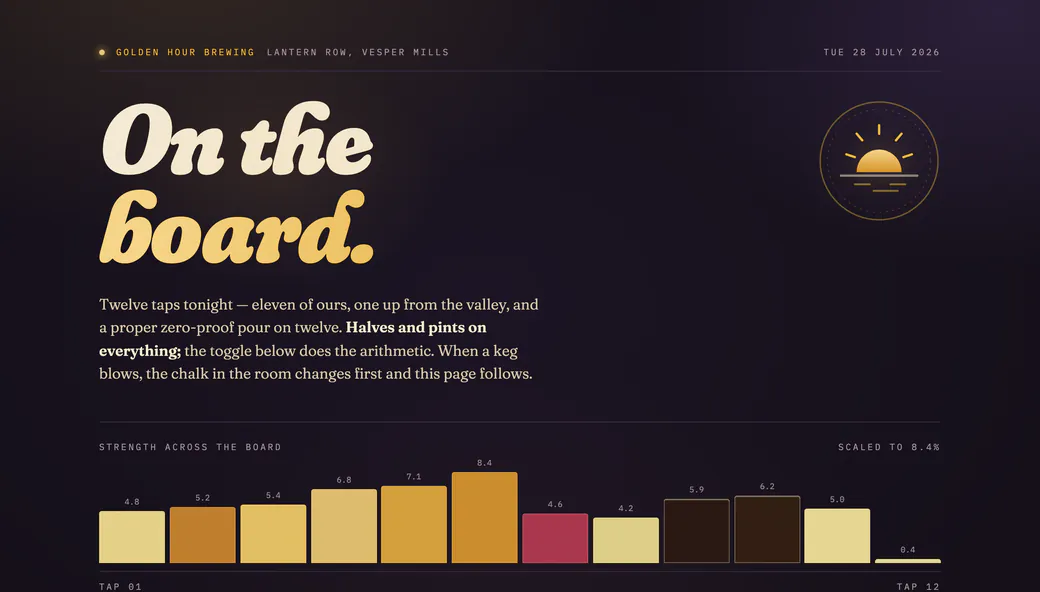
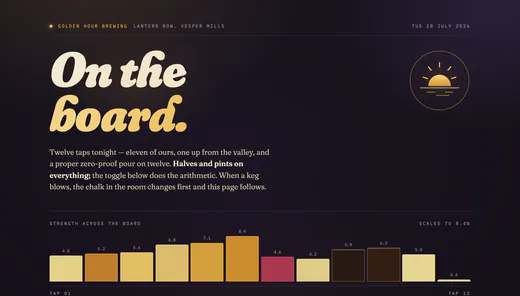 Golden Hour · On the board For a taproom owner whose board changes when kegs blow (opens in a new tab)
 -
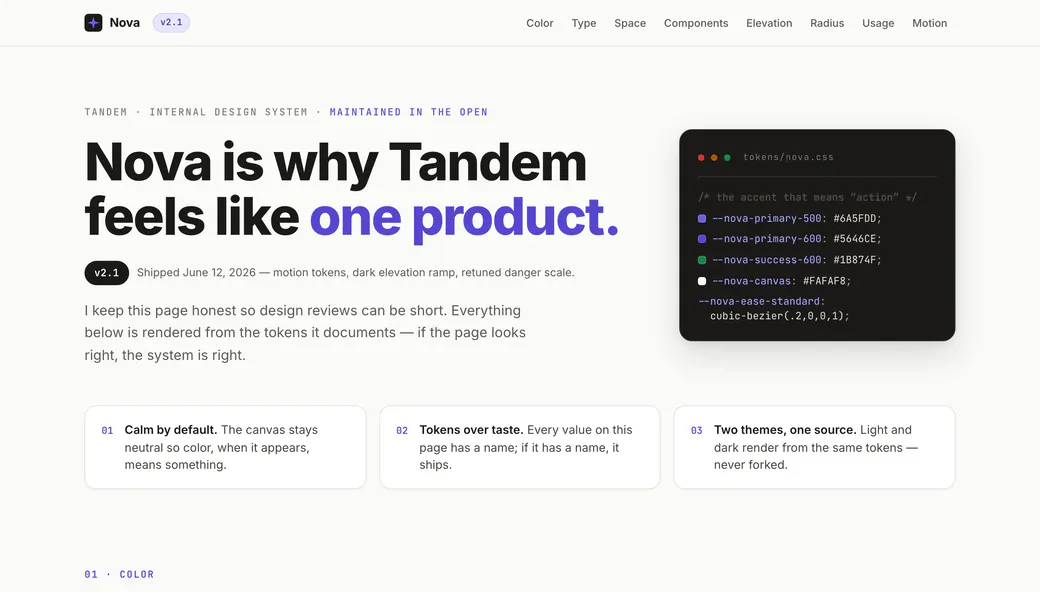
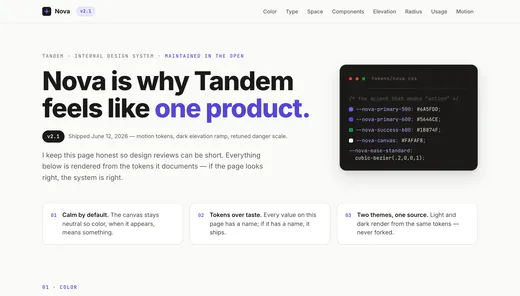 Nova Design System v2.1 For a designer keeping the token docs honest (opens in a new tab)
 -
 Juniper turns seven For a seventh birthday, with a live RSVP (opens in a new tab)
 -
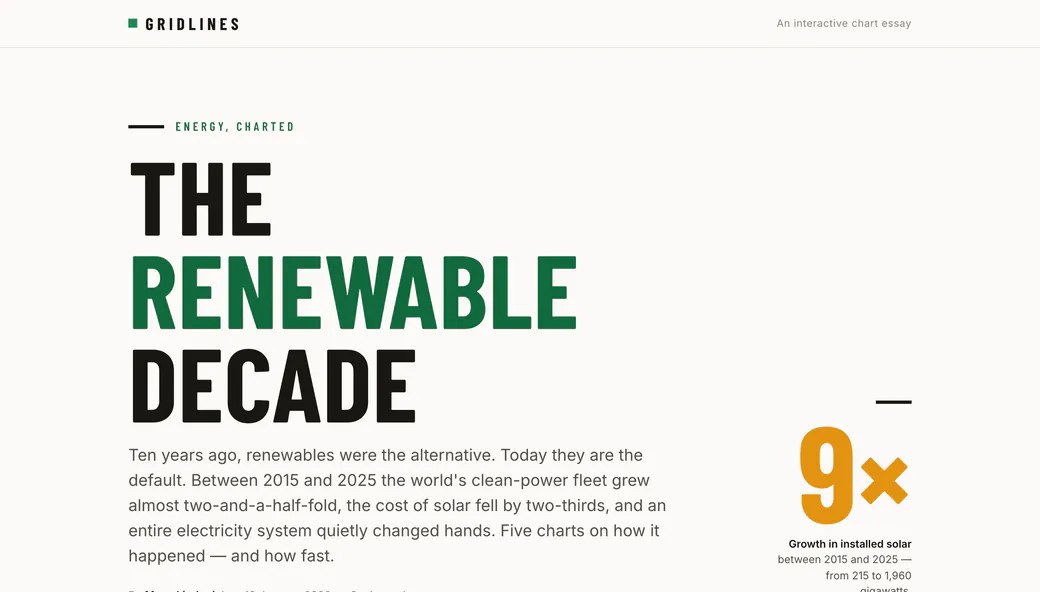
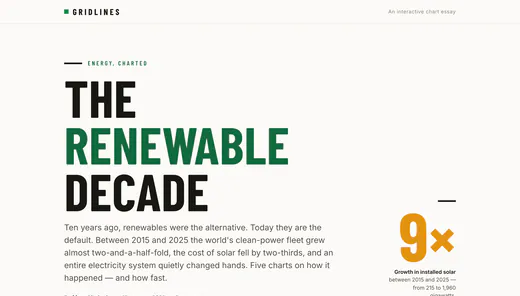 The Renewable Decade For a data journalist telling ten years in five charts (opens in a new tab)
 -
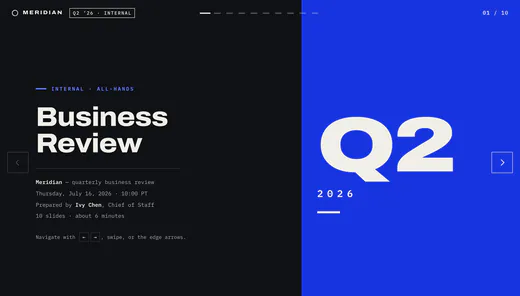 Meridian Q2 Business Review For a chief of staff whose ten slides stay editable (opens in a new tab)
 -
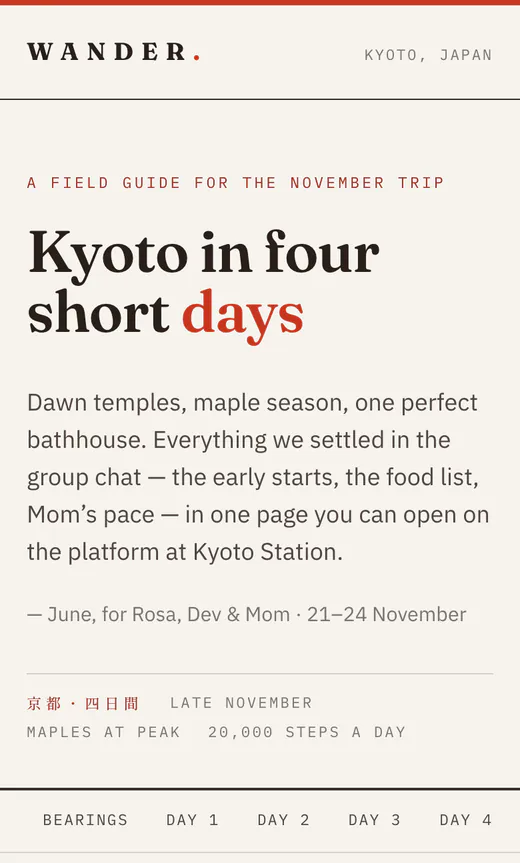 Kyoto in four short days For a family trip, everything the group chat settled (opens in a new tab)
 -
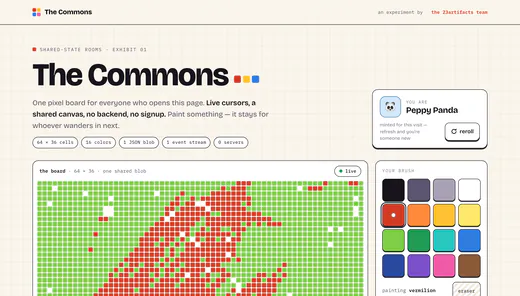 The Commons For whoever wanders in next — one shared board (opens in a new tab)
 -
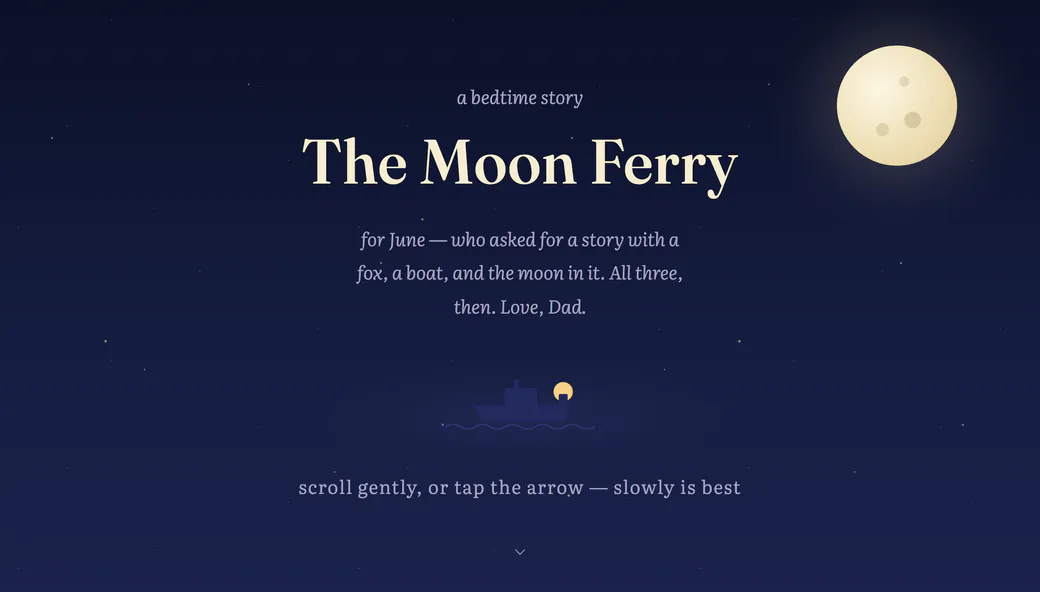
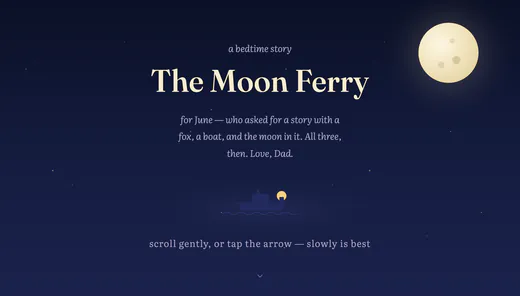 The Moon Ferry For June at bedtime — a fox, a boat, the moon (opens in a new tab)


- Your own address
- It lives at its own link, not inside a chat. Publish again and the link stays the same.
- You pick the audience
- Private until you say otherwise: the public, your whole company, or one person’s email.
- Every version kept
- Every publish keeps a permanent link of its own. Roll back to any of them in one sentence.
- Replies on the page
- People answer on the thing itself, and your assistant can read what they said and fix it.
- It can be live
- A poll, a sign-up sheet, a shared board — everyone looking at it sees the same thing.
Works with
- Claude
- ChatGPT
- Claude Code
- Cursor
and anything that speaks MCP, including local models
What a published page can do. Six things the link can do that a screenshot can’t. Each one is a sentence to your assistant.
Read the docs-
A chat exchange: Ivy asks Claude to publish for the team; the assistant publishes q3-roadmap as version 1 and replies with the live link, and the corner mark arrives on the page wearing a v1 badge. Beside it, the page’s own gate — Private, Email, Org members or Public. The selection moves from Private to Email, the pattern *@northwind.co is typed in, the gate chip changes from “only you” to “people at northwind.co”, and a request from Noor to open it arrives and is allowed.
Publishing and access
Say it, and it’s a real page at its own address. You decide who opens it: private, a few emails, your whole company, or the world. Leave someone off and they can ask; you let them in from your phone.
-
A live poll on the published page with three options and their counts, a presence rail showing who else is here, and two other people’s cursors; a vote fills a bar and rolls its count while everyone watches.
Live shared state
Votes, bets, RSVPs, a board that changes while people watch. At your own address, under your own access rules, with a record of it.
-
A fragment of the published roadmap above the version list its corner mark opens: v3 from two minutes ago, v2 from this morning, v1 from yesterday. The live tag moves from v3 to v2, the header line changes to “now serving v2”, and on the page above it the Fleet API GA card moves back from Q4 to Q3 — the change v3 made, put back.
Versions and rollback
Ask for a change and everyone sees it. Every version is kept, and one click puts any of them back.
-
A fragment of the published roadmap with the comment bar on it: pin 1 on the Fleet API GA card is resolved and pin 2 lands on a highlighted sentence of the lede, taking the thread count from 1 to 2. Beside it the thread — Tomás’s recording, fourteen seconds long, pinned to that sentence, playing back — and then the agent’s task list, credited to Ivy: played the recording, changed one file, shipped v3, replied and resolved.
Human and agent comments
Point at a thing on the page, or just talk while you point. No account, nothing to join. Your assistant reads the thread, makes the changes, and ships the next version, credited to you.
-
A slide beside its editor rail, both carrying the Northwind theme: a second person fixes a typo in the subtitle and the slide updates in the same frame; then the deck moves on to its next slide, with Present beneath the rail.
Editable decks
Real slides, not a page pretending. Editable by whoever you send them to, with your brand carried through, so what comes back doesn’t look generated.
-
One narrow frame holding three readings of the same page: views over thirty days as a sparkline that ticks up to 1,284, where those readers came from, the card a pasted link draws in Slack, and the record beneath — Noor opened it just now, Tomás twelve minutes ago, Claude shipped v3 an hour ago.
Analytics and the record
Who opened it, where they came from, what a pasted link reveals in Slack, and one record of everything that ever happened to it.
Your artifacts are safe here. Where each one runs, who can reach it, and what we never do with it.
- Private by default
- Publishing to the public web is an act, never a default. Nothing is readable until you say who may read it.
- One origin per artifact
- Every artifact is served from its own isolated origin, so one page can never reach another’s data. Public ones are fully sandboxed on top.
- We never run your code
- 23artifacts serves the files you publish. It does not execute them — not on our machines, not on anyone else’s account.
- No account to read it
- A viewer proves an email with an 8-digit code, or arrives on a share link. Nobody signs up to look at what you sent.
- Counted without cookies
- Views, visitors, referrers and countries, per artifact and per link — measured with no cookies, so your pages carry no consent banner.
- You can always get back in
- Access and activity are logged for you to read. A deleted artifact keeps a 30-day grace period, and the owner can never be locked out.
Do I need to know how to code?
No. Your assistant makes the thing; you say “publish this.” If you already have HTML, drop the file or paste it in the dashboard and it’s live the same way.
Do viewers need an account?
No. A viewer proves an email with an 8-digit code (exact addresses, whole domains or patterns like *@acme.com) or arrives through a share link, and holds a grant for that one artifact. Up to eight verified emails on your own account.
Which assistants work?
Claude, ChatGPT, Claude Code and Cursor today — and anything else that speaks MCP. In Claude or ChatGPT, open Settings, then Connectors, then Add, paste https://23artifacts.com/mcp and approve sign-in once. In Claude Code it is one line: claude mcp add --transport http 23artifacts https://23artifacts.com/mcp. Any other agent adds the same URL as an HTTP MCP server. The step-by-step for each assistant lives in the docs.
What can I publish?
HTML pages, multi-page sites, static exports, decks, and media that seeks. A folder, a zip or several files at once, from the chat or by dropping them in the dashboard. Up to 25 MB a file and 50 MB a publish — 4 GB and 5 GB when staged.
What happens when someone comments?
Comments sit on the page itself: numbered pins on elements, highlighted words, drawn annotations, and recordings where someone talks it through. Your agent can read them over the connector, ship the fix as a staged version, reply and resolve — always credited “Claude, on behalf of you.” The workspace setting “May agents make changes live?” defaults to “Approval required.”
Can I take something back?
Roll back to any version, change who can see it without republishing, or delete it. Deleted artifacts keep a 30-day grace period.
What address does it get?
One short address, like k3v9x2qa.23a.so, from the moment it exists — and it never changes, whatever you rename. Every version also keeps a permanent address of its own, so an old one stays linkable after it stops being live.
Give the next one an audience.
Free to start, no credit card. Unlimited viewers on every plan.